
SlopeCalculator
Enter the start and end level and chainage. Get the slope, the gradient and the level at every station, with a clear profile, a project drawing plate and professional Excel, PDF and CSV reports.
- Slope in 1 metre and slope %
- Level at every chainage, any interval
- Live profile with a chainage probe
- Excel, PDF and CSV reports
Sign in with a free exceltokml.com account. Runs in your browser and on a phone, offline too.
Live slope profile
Slope / gradient
−0.343%
ΔH = −1.300 m · length 379.290 m · 1 in 291.8
Free · Runs in your browser
The app
Everything about the line on one screen
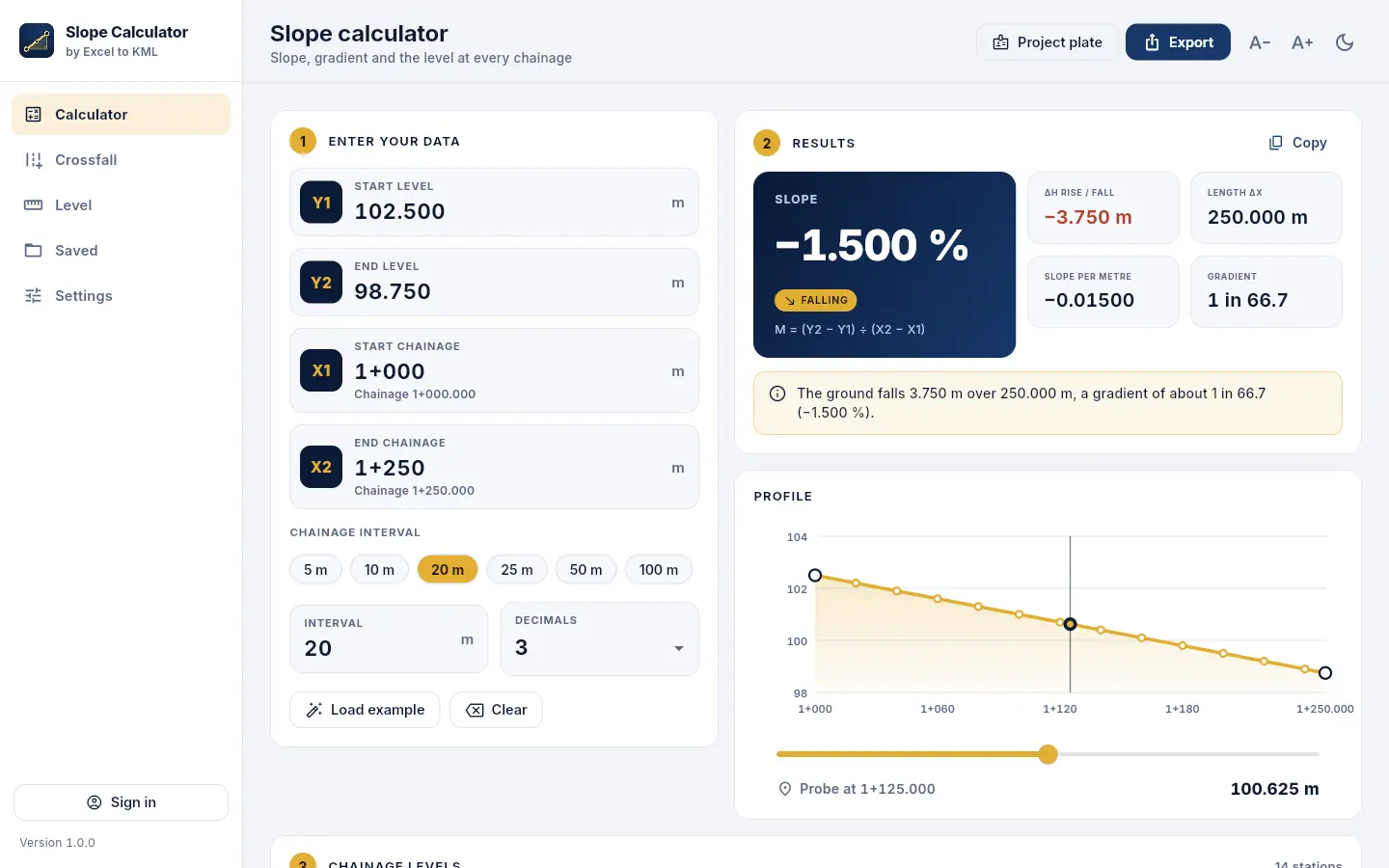
Type the two levels and chainages: the slope, the gradient, the profile and every station follow as you type. The example is the one the app opens with.
What it does
From two levels to a signed-off report
Slope and gradient
Start and end level and chainage give the rise or fall, the slope per metre, the slope % and 1 in N, with rising, falling or level said in words.
Level at every chainage
Stations on round chainages or counted from the start, at 5, 10, 20, 25, 50 or 100 m or any interval, with the level and the change from the start.
Live profile
The longitudinal profile is drawn as you type. Slide the probe or type a chainage to read the level anywhere between the ends.
Crossfall
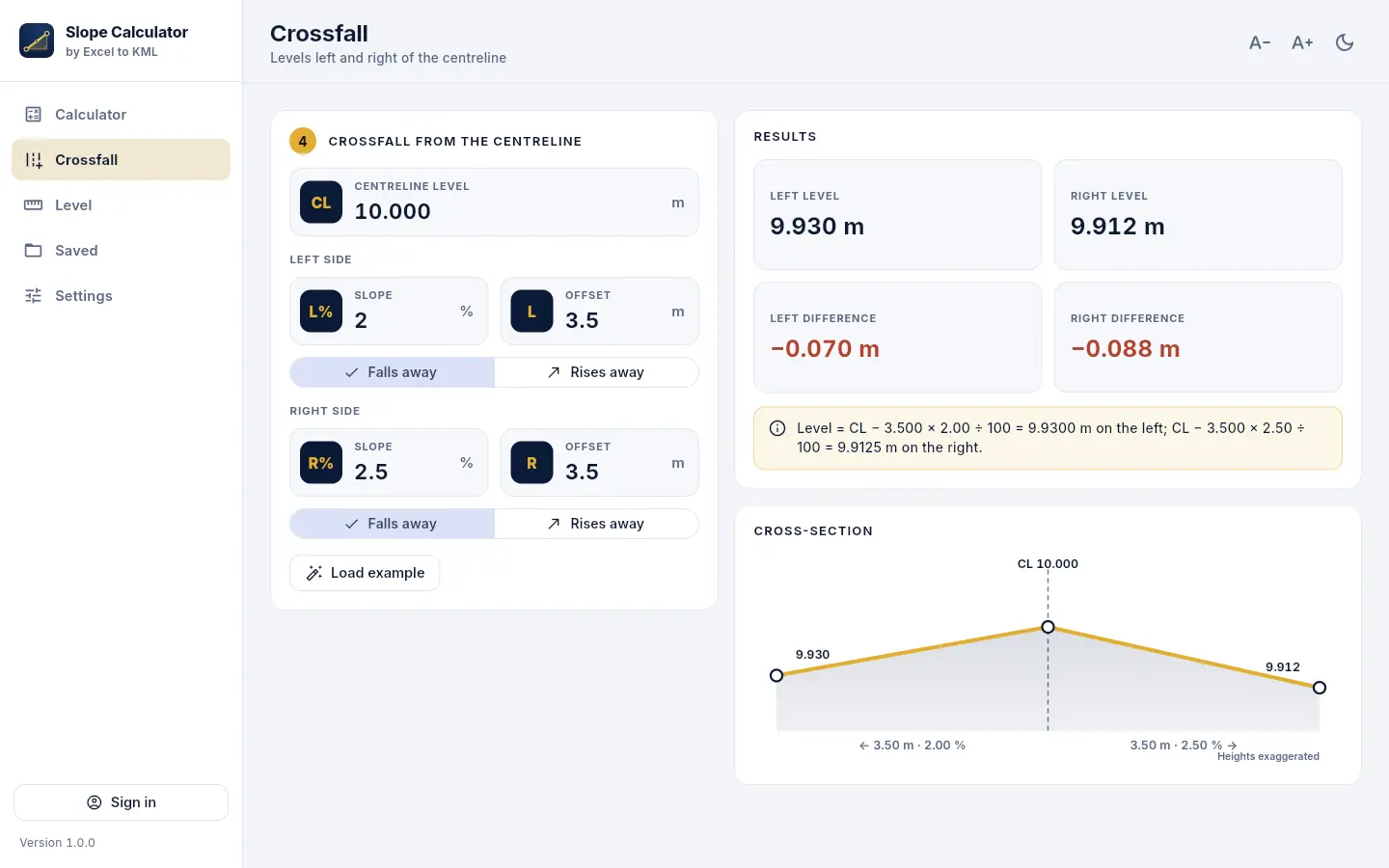
Levels left and right of the centreline from the crossfall % and offset, falling or rising away, with the cross-section drawn.
Digital level run
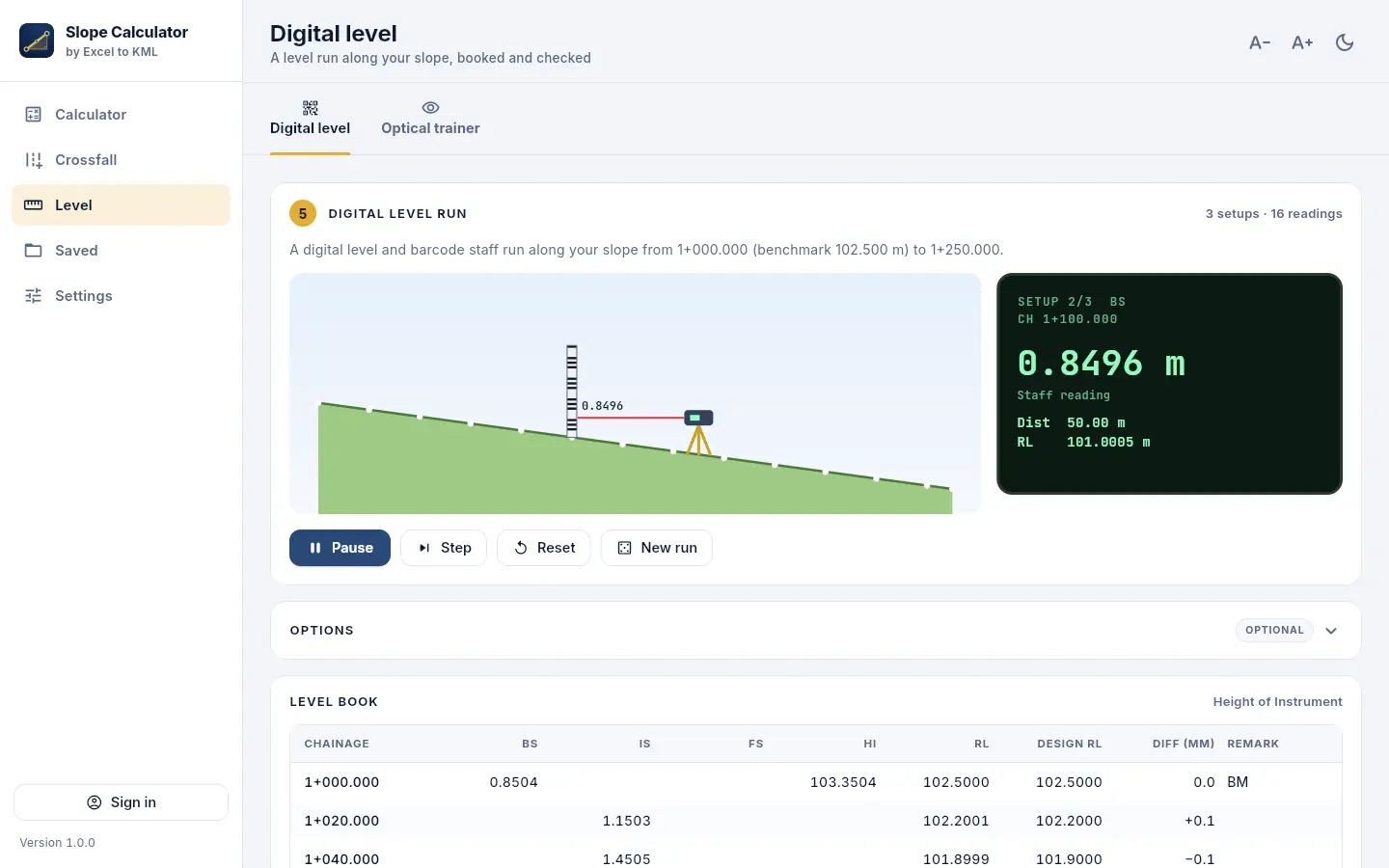
Watch a level run along your slope: setups, backsights, intermediates and foresights booked by HI or Rise & Fall, with the arithmetic check and closing error.
Optical level trainer
An E-pattern staff to read through the telescope. Watch the readings or practise and get marked. Made for training.
Reports
Excel with the project plate, summary, chainage levels, crossfall, level book and a QA/QC checklist; a PDF with the profile and sign-off boxes; CSV; print.
Saved in your account
Keep calculations in your exceltokml.com account and open them on Windows, in the browser or on a phone. Saving works offline and is sent when you are back online.
How it works
Five steps, a minute or two
- 1
Enter the line
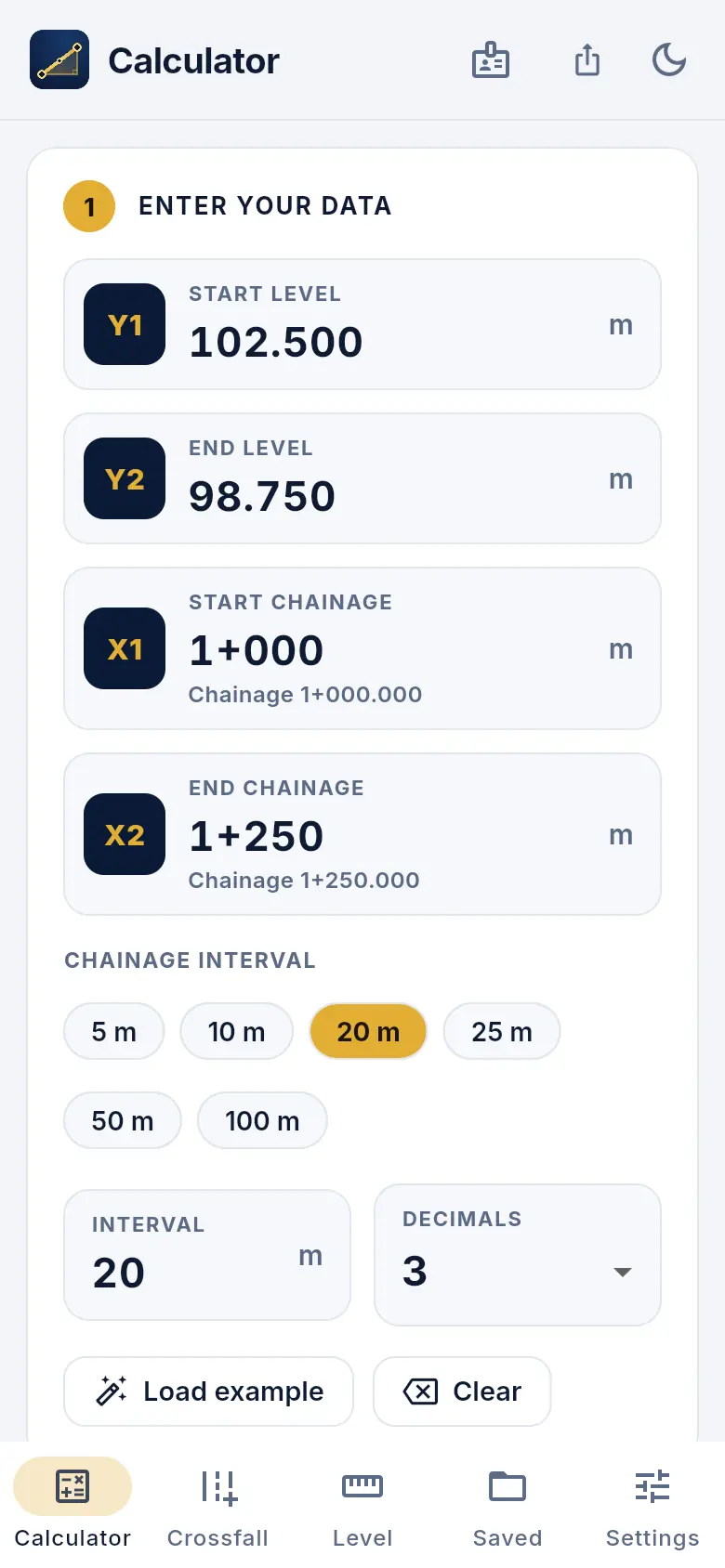
Start level Y1, end level Y2, start chainage X1 and end chainage X2. Chainages can be typed as 1250 or 1+250.
- 2
Read the result
Slope %, slope per metre, 1 in N and the rise or fall, with a sentence that says it in words.
- 3
Check the stations
The level at every chainage on the interval you choose, on the profile and in the table.
- 4
Fill the project plate
Project, client, drawing number, revision, prepared and checked by: printed on every report.
- 5
Export or save
Excel, PDF or CSV, or save it to your account to open again on any device.
Get it
In your browser or on Windows. Free.
The same app either way. Sign in with your free exceltokml.com account: it keeps your calculations, ready to open on any device.
Web app
- Nothing to install: Chrome, Edge, Firefox or Safari, on a computer or a phone
- Works offline after the first sign-in
- Install it from the browser to open it like an app
Windows program
Installer for Windows 10 and 11. Start menu and desktop shortcuts, no administrator rights needed, updates itself.
The Windows program isn't code-signed yet, so Windows SmartScreen may warn the first time. Choose More info, then Run anyway.
Questions
Good to know
Is it free?
Yes. The web app and the Windows program are free. You sign in with a free exceltokml.com account (the same one as Excel to KML and Traverse & Level) the first time you open it; create one in a minute with your email or Google.
Why do I have to sign in?
Your account keeps your calculations, so they open on every device, and tells us who uses the app so we can keep improving it. After the first sign-in the app remembers you: it opens straight away, offline too, until you sign out.
Web app or Windows program?
They are the same app. The web app runs in any modern browser, on a phone too, and can be installed from the browser. The Windows program runs in its own window and updates itself.
Does it work offline?
Yes, after the first sign-in. The web app keeps its files and opens without a connection, and the Windows program never needs one to calculate. Calculations you save offline wait on the device and are sent to your account when you are back online.
How is the slope worked out?
M = (Y2 − Y1) ÷ (X2 − X1): the rise or fall over the horizontal length. Slope % is M × 100 and the gradient is 1 in 1 ÷ |M|. Levels at the stations follow the straight line from Y1 to Y2.
Which chainage formats can I type?
Plain metres (1250, 1250.5) or kilometre + metres (1+250, 1+250.500). Negative chainages work too.
If Windows warns about the installer
The program isn't code-signed yet, so Windows SmartScreen may say it protected your PC the first time. Choose More info, then Run anyway.
Questions or a feature request? Write to us.